
Description
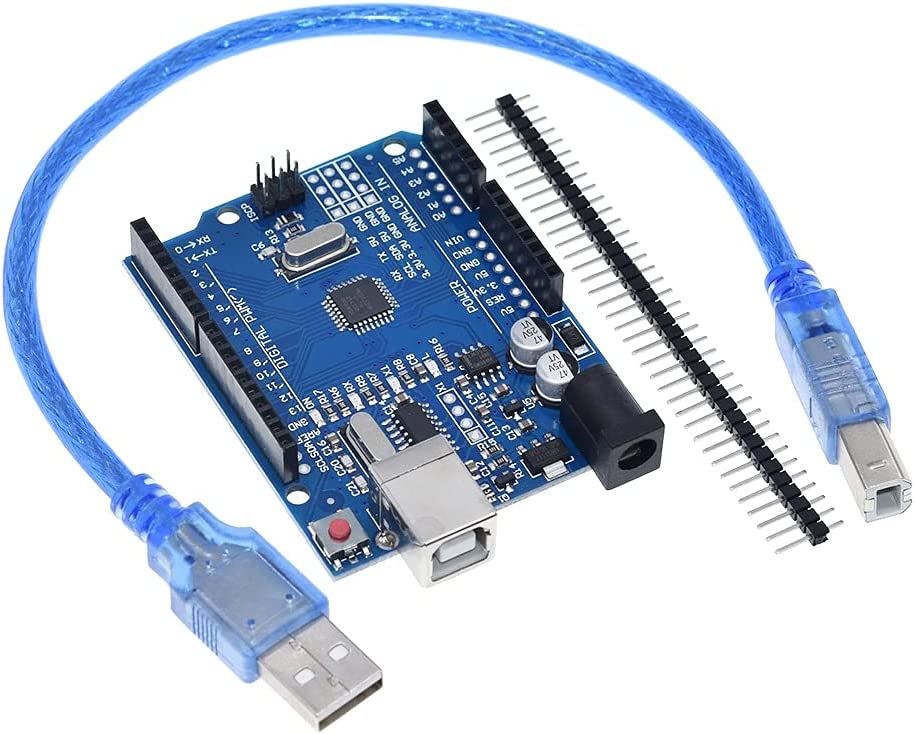
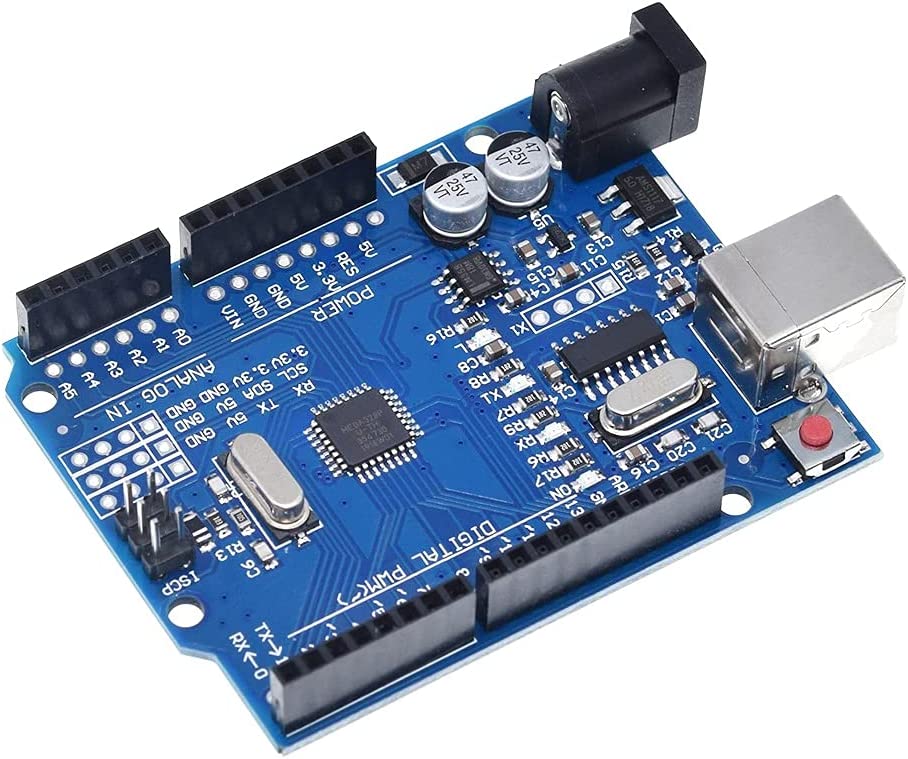
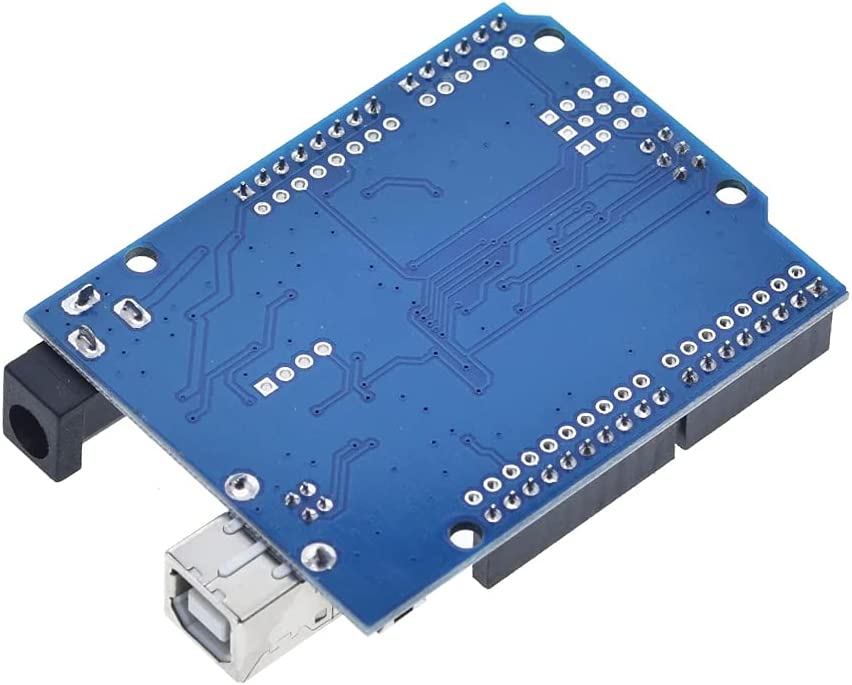
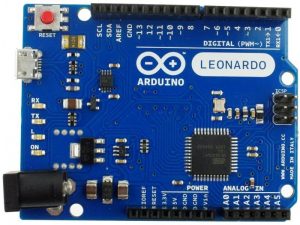
The Arduino UNO R3 ATMega328P CH340 Development Board is the most popular entry point for electronics enthusiasts in Rwanda who want performance at an affordable price. While it functions exactly like the expensive Italian-made version, this board reduces costs by using smart manufacturing choices, specifically the Surface Mount Device (SMD) version of the microcontroller and the CH340 communication chip. If you are looking to buy in bulk for a classroom or just want the best value for your money, the Arduino UNO R3 ATMega328P CH340 is the smart choice.
What is the Difference? (SMD & CH340)
To get the best performance out of your Arduino UNO R3 ATMega328P CH340, it helps to understand its unique design:
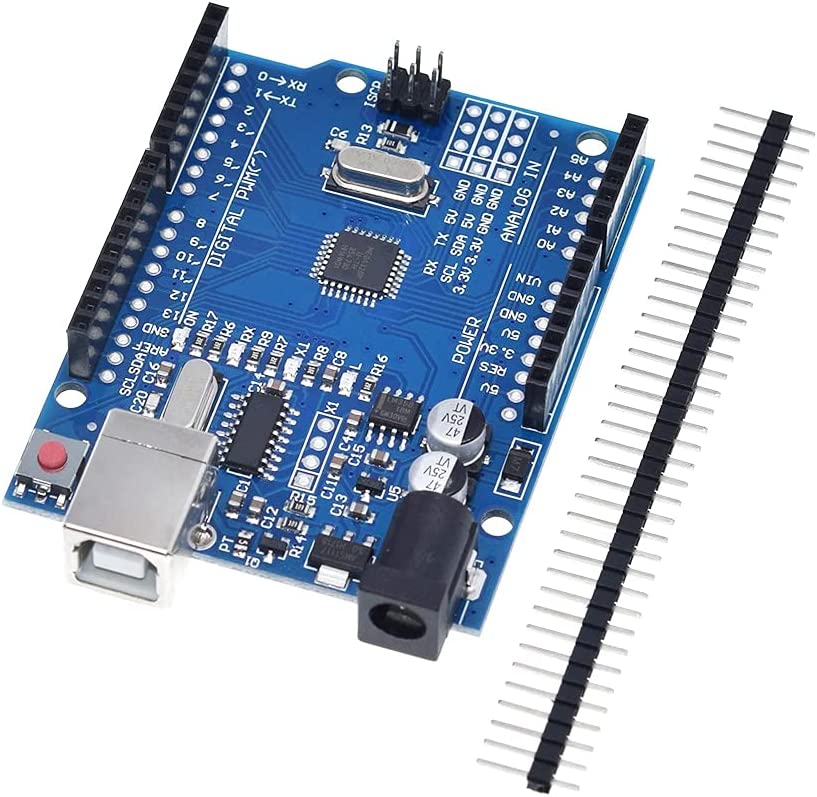
- SMD Chip: Unlike the “DIP” version where the big black chip can be pulled out, the ATMega328P chip on this board is soldered directly to the surface. This makes the board more durable against vibration and cheaper to manufacture, though you cannot replace the chip if you burn it out.
- CH340 USB Chip: Instead of the ATmega16U2, this board uses the CH340G chip to talk to your computer. This is highly reliable, but it means you might need to download and install a free “CH340 Driver” (available for Windows and Mac) before your computer will see the COM port.
Full Compatibility
Despite these hardware changes, the Arduino UNO R3 ATMega328P CH340 is 100% compatible with the Arduino ecosystem.
- Code: It runs the exact same sketches (C/C++ code) as the original.
- Shields: It features the standard pin layout, so all motor shields, LCD shields, and sensor shields fit perfectly.
- Sensors: With 14 digital I/O pins (6 PWM) and 6 analog inputs, it handles all the same sensors and servos.
Specifications:
- ATmega328 microcontroller with UNO Bootloader Installed
- USB Programming Facilitated by the CH340G USB interface
- USB-B Connector
- Input voltage: 7-15V on barrel connector, or USB power
- 0-5V outputs with 3.3V compatible inputs
- 14 Digital I/O Pins (6 PWM outputs)
- 6 Analog Inputs
- ISP Header
- 32k Flash Memory
- 16MHz Clock Speed
- R3 Shield Compatible
The CH340G USB drivers may need to be installed on your computer before using this UNO board with the Arduino IDE. If the Arduino IDE cannot communicate with your board, it is probably because the CH340G driver is not installed on your computer.
To install the CH340G driver on your computer:
The CH340 USB IC is made by WCH. You can find the latest version of their drivers in their English translated website here:
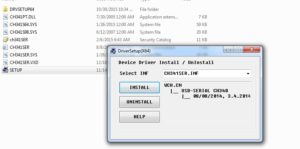
Click on the “download” button on the WCH page to download the ch341ser.zip file to your computer. Unzip (extract) the ch341ser.zip file. Run the Setup application in the CH341SER folder of the unzipped file. See the screenshot below:
CH340G Driver Verification for Windows:
To verify that your CH340G driver is working, you should see a difference in the Windows Device Manager and Arduino IDE Ports after plugging the Arduino board with a CH340 into a USB port on your computer.
Device Manager
To check that the CH340 associates to a COM port, open the Windows Device Manager. You can click the Start or ⊞ (Windows) button and type “device manager” to search for the application.
After opening the Device Manager, you will need to open the Ports (COM & LPT) tree. The CH340 should show up as USB-SERIAL CH340 (COM##). Depending on your computer, the COM port may show up as a different number.

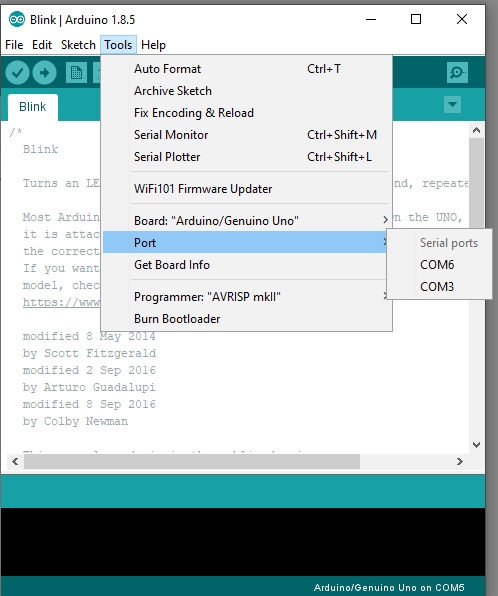
If you have the Arduino IDE installed, you should also see a change in the number of available COM Ports (you may need to restart the Arduino IDE for the board to populate). Without the CH340 connected to your computer, in the IDE click on Tools > Port.
Connect the Arduino board with the CH340 to your computer’s USB port. Click somewhere else on the screen for the menu to refresh itself. Then go back to Tools > Port. A new COM port should appear. By process of elimination, the CH340 should have associated to the new COM port. Select this COM port in order to connect the IDE to your Arduino board.
In the example shown in these two screen shots, the new Arduino CH340 board is associated to COM Port 3.
Now you can upload you blink sketch. Go to File>Examples>01.Basics>Blink. Upload the code to your UNO R3 board.
UNO R3 ATMega328P CH340 is Ideal for Education
Because of its low price point, the Arduino UNO R3 ATMega328P CH340 is the standard for engineering students and high school labs in Kigali. It allows every student to have their own board for homework and prototyping without fear of breaking expensive hardware.
Ready to Use
Each board comes with a USB cable so you can plug it in immediately. Download the Arduino IDE, install the CH340 driver, and start coding your Arduino UNO R3 ATMega328P CH340 today. Order now from Faranux Electronics for the best deal in town.
Package includes:
1×UNO R3 CH340 Board
1×UNO USB Cable
1×Pin header
Ishimwe William –
nice